Matches who never reply
You match, send "hey", and hear nothing back.
Tera Chat writes an opener for every Tinder match from what they actually wrote, writes your reply when you're stuck, and carries the chat to Instagram. You just pick who's worth meeting.
Free · macOS 15 or later · Apple silicon
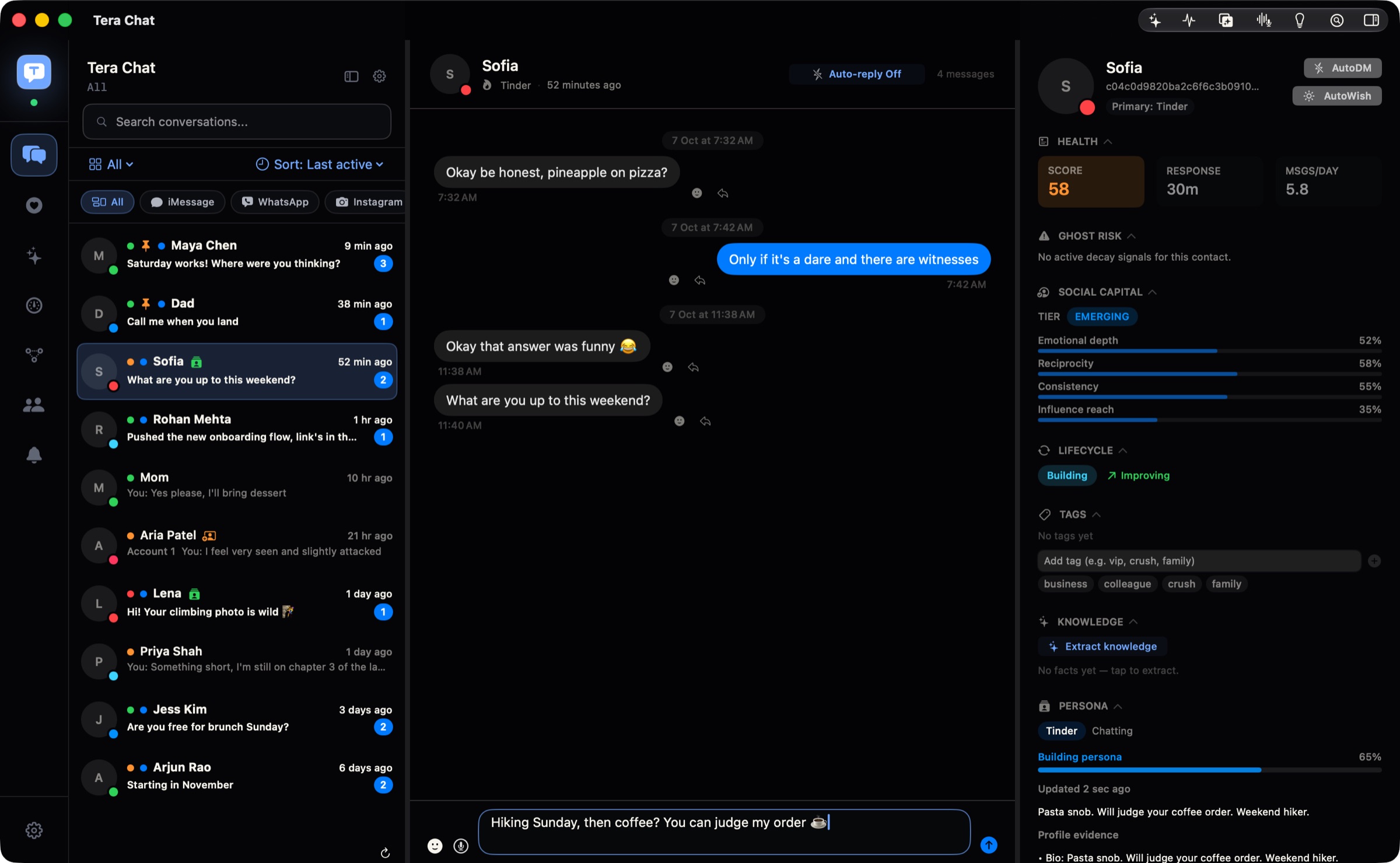
You match, send "hey", and hear nothing back.
"Hi, how are you?" "Good, you?" And then the chat is over.
You pay for the apps every month and swipe for hours, for chats that go nowhere.
Tera Chat reads each new match's bio and prompts and writes a first message about what they actually said, so it reads like you paid attention. Switch on Autopilot and it keeps every chat going for you, with each reply ready to send.
When a match gives you their Instagram, Tera Chat tells you and shows their profile. Turn on "continue on Instagram" and it follows them and picks the chat up there, in the same style, without introducing you twice. The Instagram chat sits next to the Tinder one it came from.
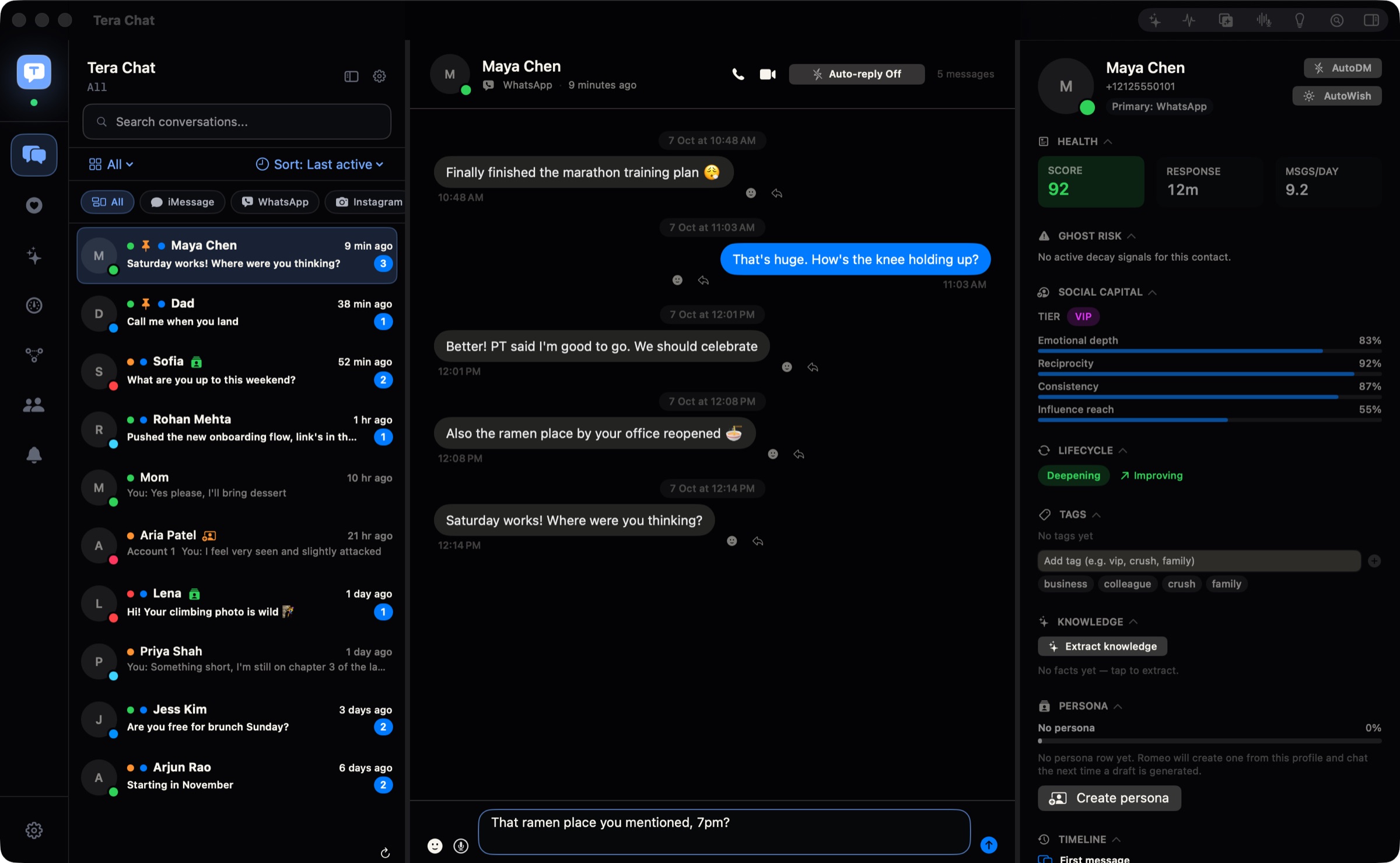
Tera Chat writes a short profile of every match from their bio and your chat: what they like, what they've told you, and red flags worth a second look. Every chat gets a health score from how fast they reply and how often you talk, so you see who's into it and who's drifting. Then you decide who to really meet.
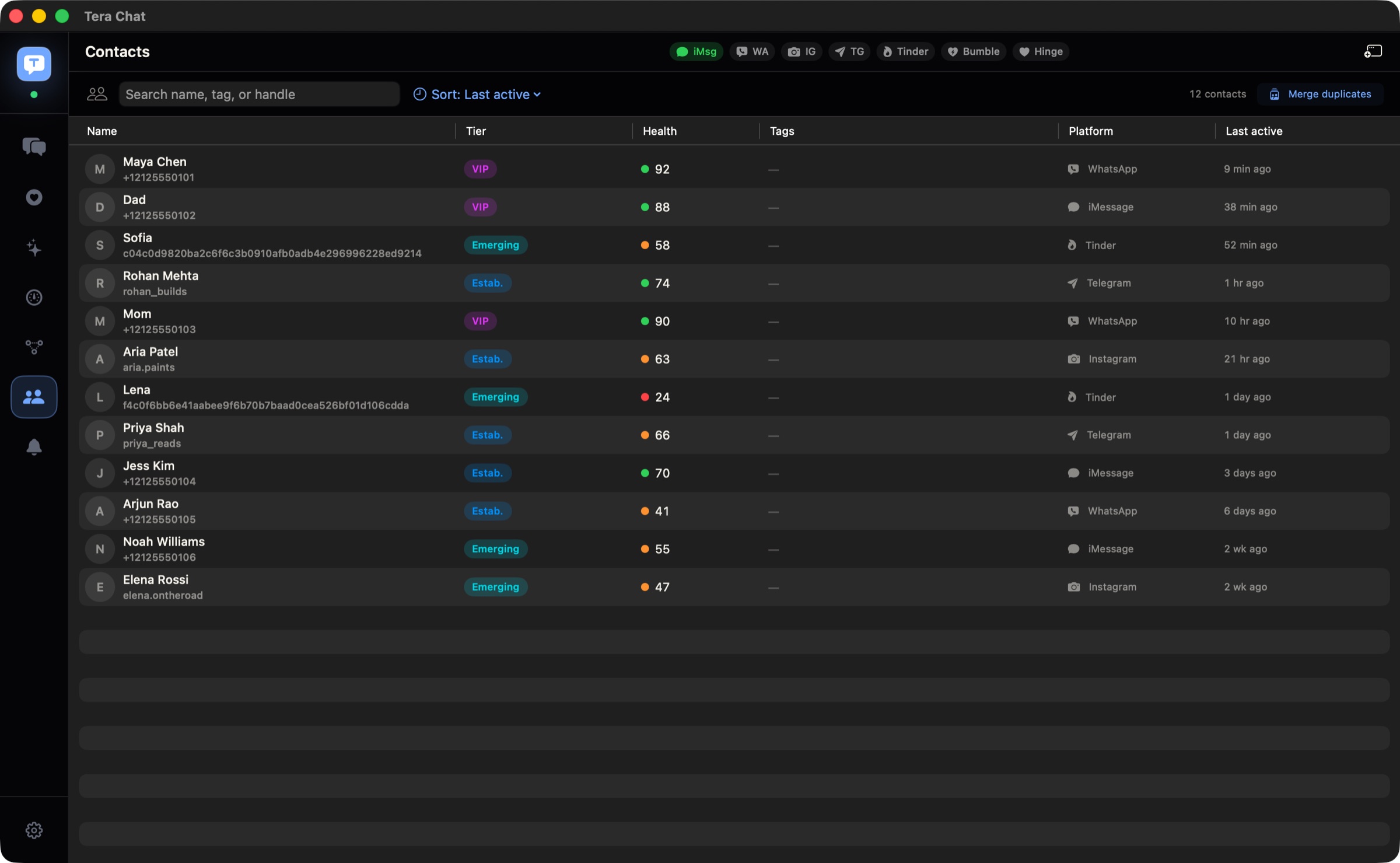
Don't know what to say back? With the message box empty, click the sparkle and Tera Chat writes a reply in your own texting style, from your slang to your emoji. Change it if you like, then send.
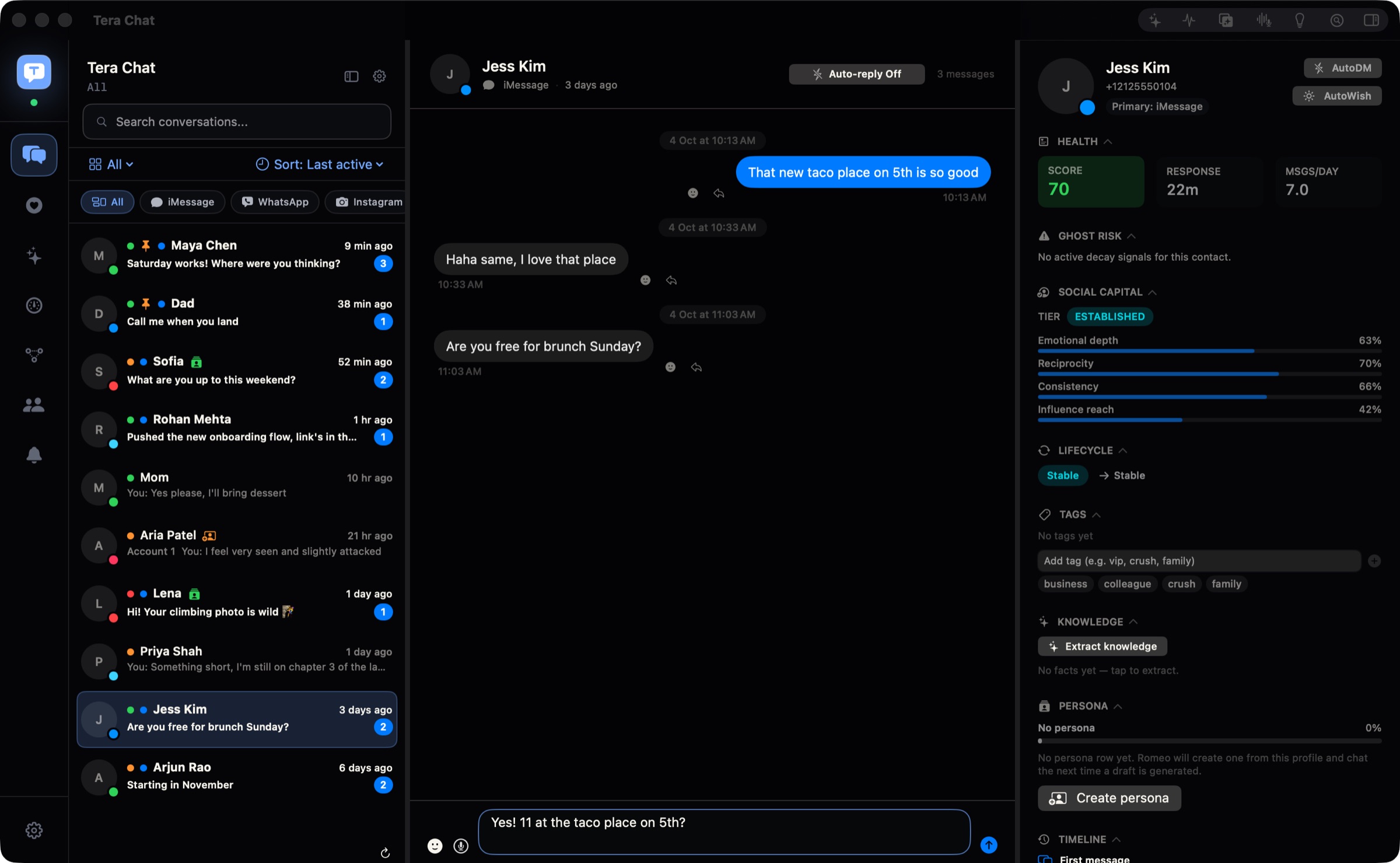
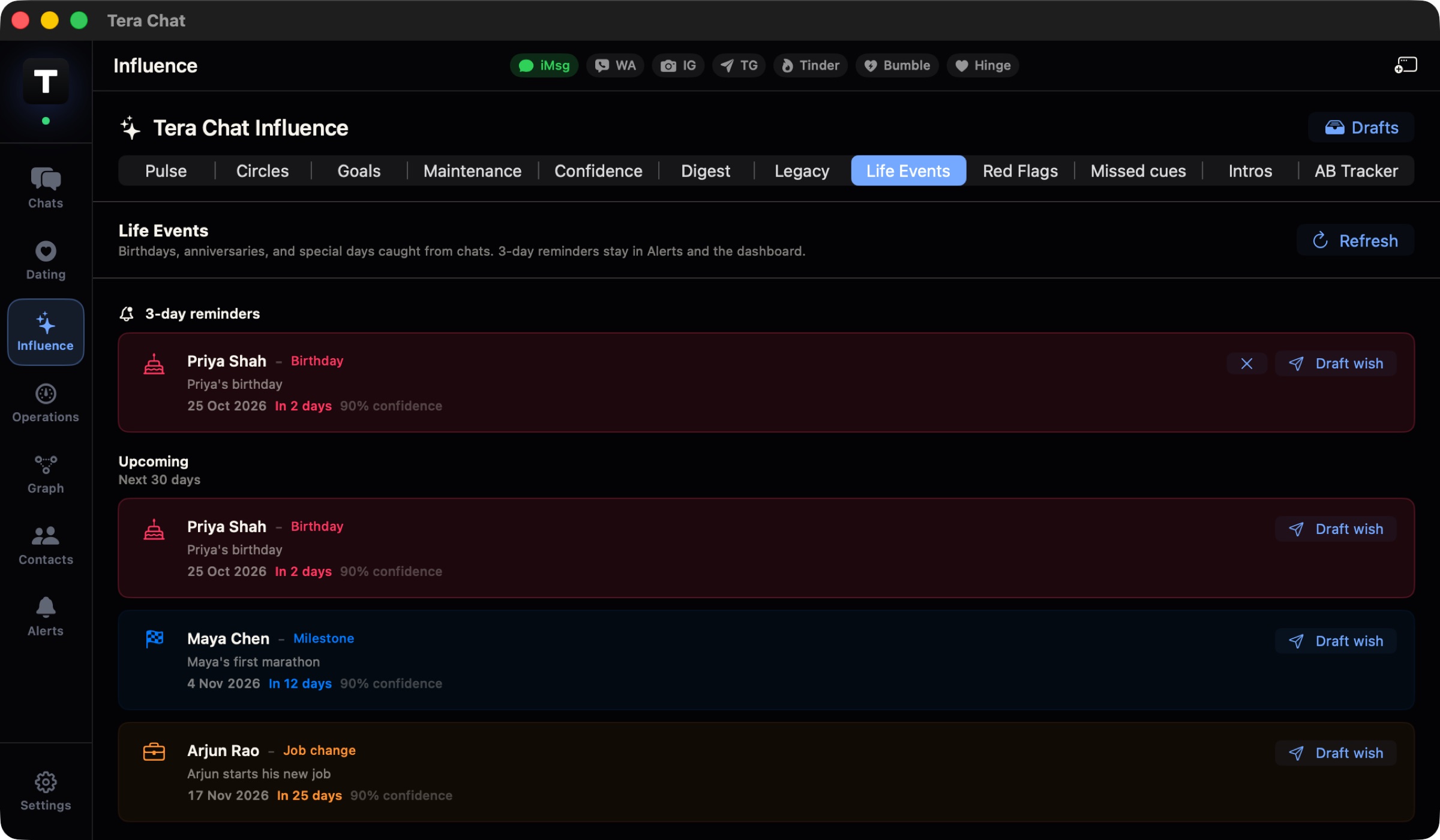
People mention a birthday, a trip, a new job, their favourite food. Tera Chat catches it in the chat and reminds you three days ahead, with the message one click away. Before the date, read what they like and what you've talked about.
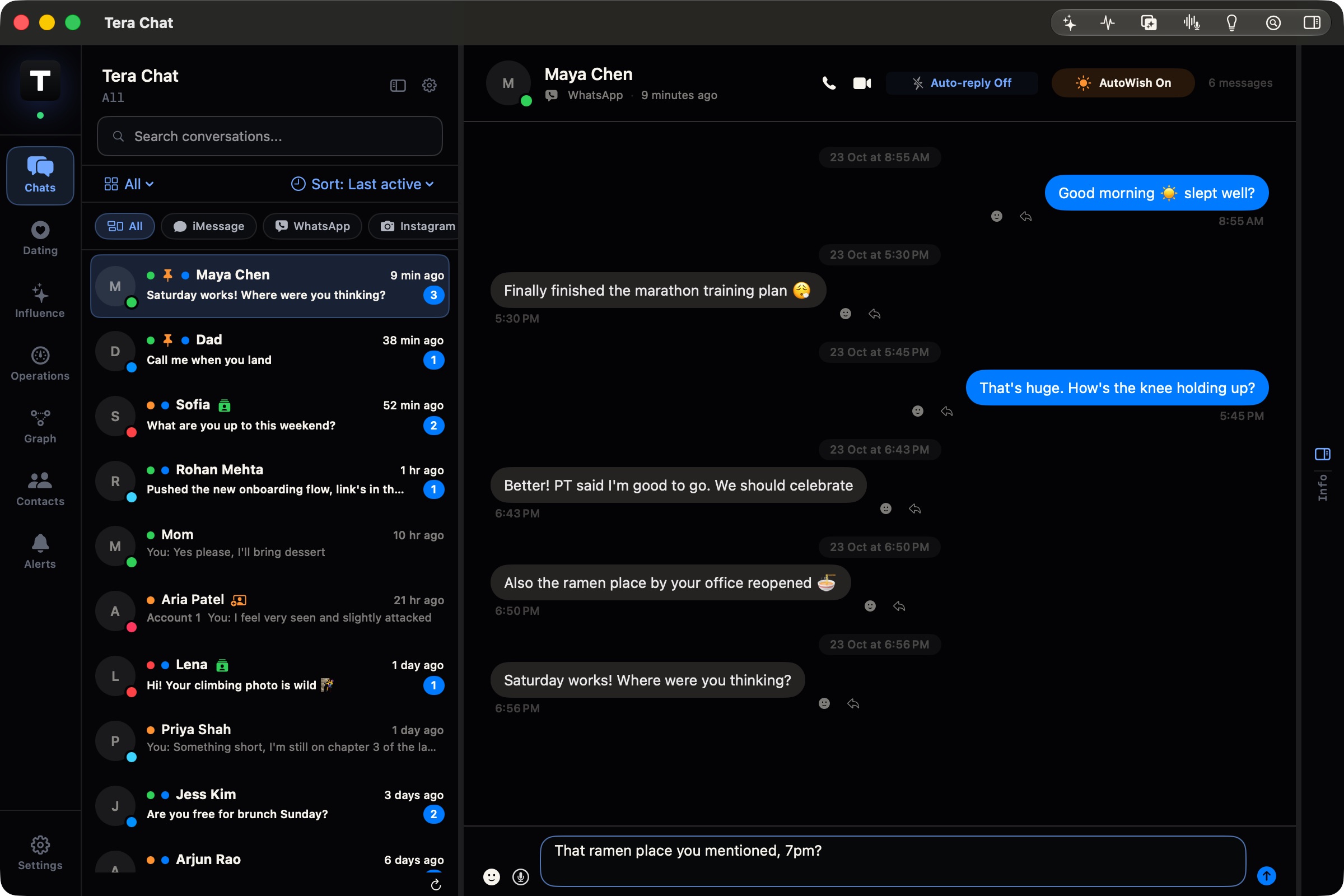
Turn on Auto-wish for someone and Tera Chat sends good morning, good night or a midday hello for you, at a natural time each day, in words you've used with them before. It stays quiet while you're already talking.
Openers and replies wait for you to read and send. Autopilot is off until you switch it on for a chat or a whole app, and Auto-wish until you turn it on for a person. Autopilot's replies wait in Drafts unless you let that chat send on its own, and one button turns Autopilot off everywhere.
Every chat on autopilot, with replies in your Tinder chats and date ideas from what they told you.
$19.99/month, plus tax where applicable. Cancel anytime. AI Plus, $9.99/month, runs Autopilot in 5 chats.
No, not unless you turn that on. Openers and replies wait for you to send them. Autopilot is off until you switch it on for a chat or a whole app, and Auto-wish until you turn it on for a person.
Yes. You sign in to Instagram inside Tera Chat, and to Tinder in a private browser window that Tera Chat opens on your Mac (Google Chrome, Brave or Microsoft Edge needs to be installed). Your sign-ins stay on your Mac.
Tinder and Instagram. Hinge is in an early test that needs an Android emulator and can't send messages yet. Bumble isn't supported yet.
The app is free, and its AI works with your ChatGPT account (through Codex) or a Claude or Grok API key. AI Pro, with AI built in, is $19.99 a month, plus tax where applicable. Cancel anytime.
Yes, on Tinder. Auto-swipe makes right swipes for you at the times you set, 20 at a time by default and up to 150.
Tera Chat tells you and shows their Instagram profile. Turn on "Automatically continue on Instagram" and it follows them and carries the chat on there in the same style, without introducing you twice. Tinder messages to them pause.
Free for Mac. Two minutes to set up.
Free · macOS 15 or later · Apple silicon